
Lock screen
The line being sung appears right in your notification and status bar.
 Synced lyrics for any music app
LyricPlay shows the lyrics of the song you are playing, line by line, on your lock screen, widget, a floating window and Android Auto. It works with the music app you already use, with no login.
Want to try it first? Become a tester
Sing along without switching apps.
Spotify, YouTube Music, Apple Music, Deezer and local players. No account linking.
Lock screen, Lyrics Island, a floating window and a widget in four themes.
Control your music and see the current line on the car screen, for passengers.
Backgrounds match the album cover, and the current line stays in focus.
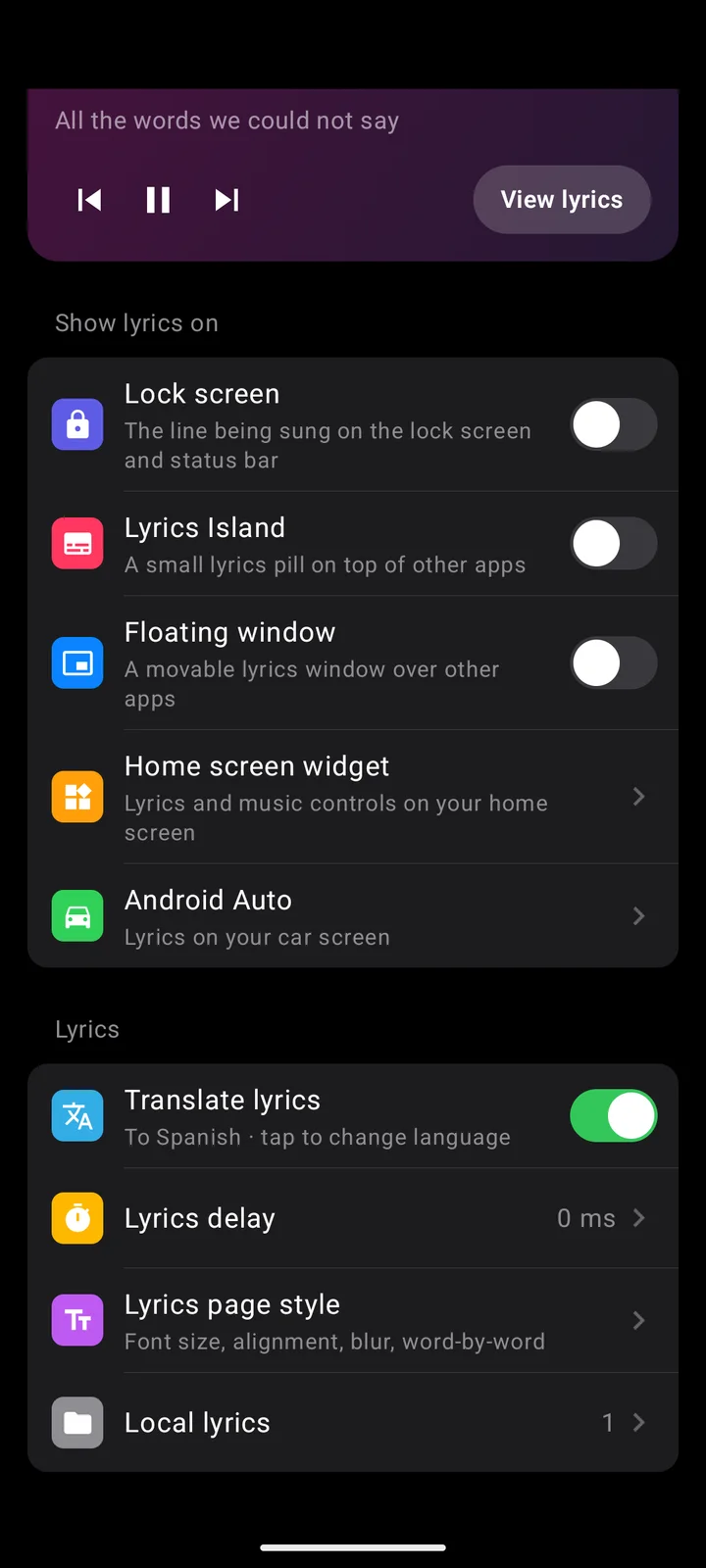
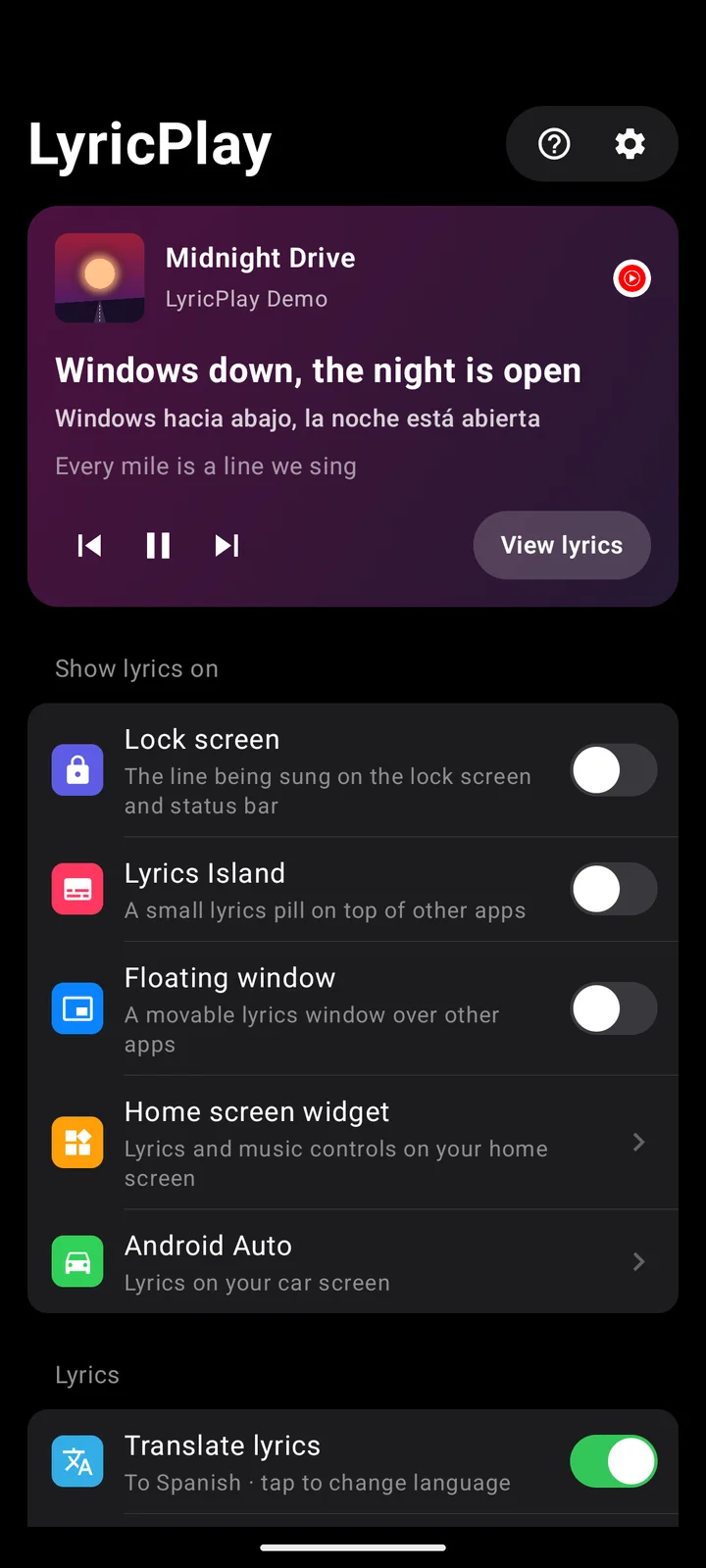
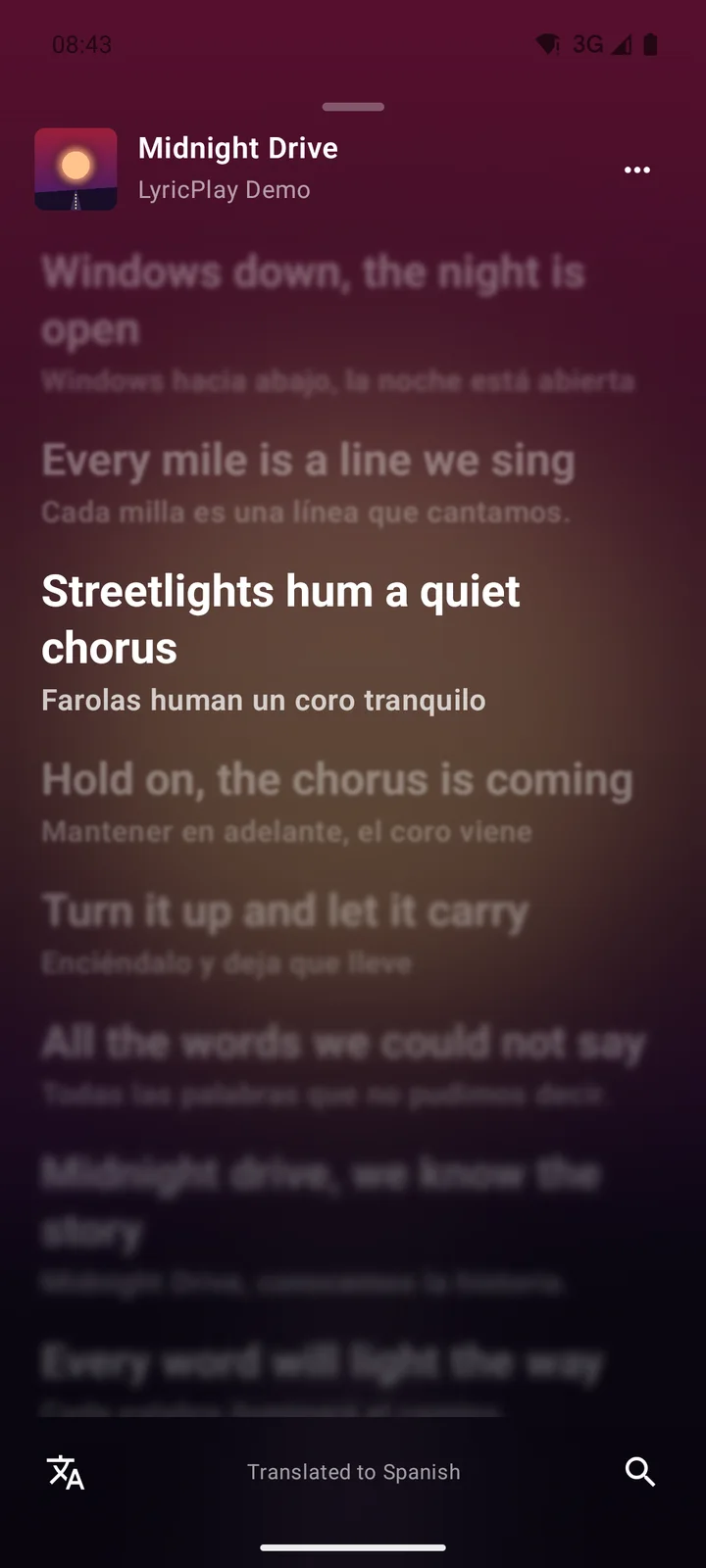
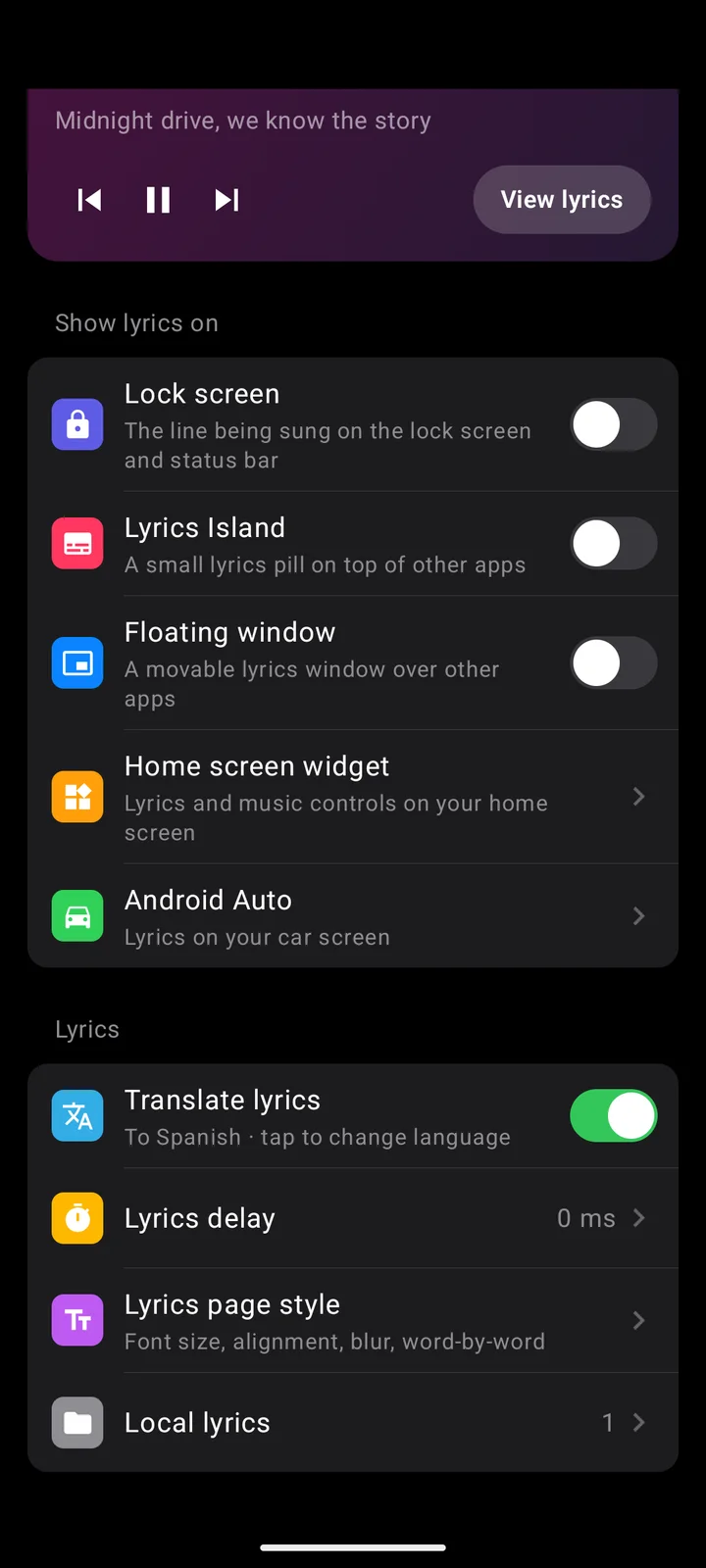
Choose where lyrics appear while a song plays.
Lyrics that fit the way you listen.
The line being sung appears right in your notification and status bar.
A small lyrics pill that stays visible on top of other apps.
A lyrics window you can move anywhere on the screen.
Search and pick the right lyrics, or upload your own LRC and LRCX files.
Set a per-song, global and car audio delay.
Only the song's title, artist, album and length are sent to lyrics services.
No paid plans. The app is supported by ads.
The public LyricPlay tester programme opens on this page soon.
Coming soonStill have a question? Send it through the Help menu in LyricPlay.
From community lyrics databases, LRCLIB and lyrics.ovh. Some songs may not have synced lyrics yet.
It needs this to know which song is playing. LyricPlay does not read your other notifications.
Lyrics on the car screen are meant for passengers. Drivers should keep their eyes on the road.
No. LyricPlay is not affiliated with Spotify, Google, Apple or any music service.
LyricPlay is in closed testing on Google Play. You can try it early by becoming a tester. An iPhone version is not available yet.